Exact model identification
Confirm the manufacturer, model name, generation, screen size, release year, and model number whenever available. Similar names do not always indicate identical dimensions or internal hardware.
Build a technology setup in which every device, connection, fit, and charging standard works together with confidence.
Compatibility is more than matching a connector. A reliable setup depends on physical dimensions, device generation, charging requirements, wireless protocols, operating-system support, and the features enabled by each product. This guide helps you assess those layers before selecting phone cases, selfie sticks, phone mounts, smartwatches, wireless earbuds, chargers, power banks, computer mice, and keyboards.
Product names may look similar while their dimensions, supported standards, operating requirements, or included accessories differ. Start with the exact device model and work outward from there.
Confirm the manufacturer, model name, generation, screen size, release year, and model number whenever available. Similar names do not always indicate identical dimensions or internal hardware.
Review device width, height, thickness, camera placement, port access, button position, case thickness, mounting depth, and any required clearance around moving components.
Match wired connectors and wireless standards separately. A connector may physically fit while data transfer, fast charging, microphone controls, or advanced features remain unsupported.
Check input voltage, output wattage, charging protocol, cable rating, battery capacity, operating-system requirements, app availability, and supported feature permissions.

The most dependable way to assess compatibility is to move through five layers in order. If one layer fails, the accessory may fit poorly, charge slowly, lose advanced functions, disconnect unexpectedly, or remain unusable.
Dimensions, mounting points, camera placement, case thickness, button access, port openings, weight, and device balance determine whether the accessory fits securely.
USB-C, USB-A, Lightning-style connections, magnetic charging, wireless charging, and proprietary connectors must align with both the device and the selected cable or adapter.
The device, charger, cable, and power bank must negotiate a safe shared charging profile. Connector shape alone does not define supported charging speed.
Bluetooth, wireless audio profiles, keyboard shortcuts, mouse functions, charging protocols, and remote-shutter controls determine which features communicate correctly.
Operating-system version, application support, permissions, firmware, language availability, and feature restrictions influence the final user experience.
Use this matrix as a first-pass review. The product page and your device specifications remain the final reference for exact dimensions, supported standards, included cables, and available functions.
| Product Category | Device Identity | Physical Fit | Connection or Power | Feature Support |
|---|---|---|---|---|
| Phone Cases Protection and device access |
Confirm Exact phone model, generation, regional variation, and camera layout. |
Measure Button location, port cutouts, camera opening, screen edge, and lens clearance. |
Review Wireless charging support, magnetic accessory alignment, and cable-port clearance. |
Consider Kickstand operation, card storage, lens protection, grip, and compatibility with screen protectors. |
| Selfie Sticks Extension and remote capture |
Confirm Phone width, device weight, operating system, and camera app. |
Measure Clamp range, case thickness, phone balance, extension length, and tripod footprint. |
Review Bluetooth remote pairing, remote battery type, or wired shutter connection. |
Consider Portrait rotation, landscape rotation, remote shutter behavior, and supported camera controls. |
| Phone Mounts Secure positioning |
Confirm Phone size, total weight, case type, mounting location, and intended environment. |
Measure Clamp width, surface thickness, dashboard shape, vent style, and device clearance. |
Review Magnetic plate requirements, charging alignment, and cable routing. |
Consider Rotation range, vibration resistance, one-hand access, and visibility around controls. |
| Smartwatches Wearable connectivity |
Confirm Phone operating system, supported version, region, and required companion application. |
Measure Wrist range, case size, strap width, wearing comfort, and sensor contact. |
Review Bluetooth pairing, charging cable, charging dock, and required power source. |
Consider Notifications, calling, health functions, voice assistant, payment features, and app permissions. |
| Wireless Earbuds Audio and microphone support |
Confirm Phone, tablet, laptop, television, or console Bluetooth support. |
Measure Ear-tip options, fit stability, case dimensions, and wearing style. |
Review Bluetooth profiles, charging connector, wireless charging, and multipoint availability. |
Consider Microphone controls, audio codecs, app support, touch controls, gaming latency, and call quality. |
| Wall Chargers Safe charging output |
Confirm Device charging input, cable type, travel region, and outlet format. |
Measure Plug clearance, outlet spacing, charger size, and cable access. |
Review Port type, total wattage, per-port output, charging protocol, and voltage support. |
Consider Multi-device load sharing, laptop charging, fast-charging limits, and cable rating. |
| Power Banks Portable energy |
Confirm Device battery size, charging input, travel needs, and expected usage time. |
Measure Weight, dimensions, portability, built-in cable reach, and magnetic alignment. |
Review Capacity, usable output, port type, maximum wattage, input speed, and charging protocol. |
Consider Pass-through behavior, low-power mode, simultaneous charging, display accuracy, and airline restrictions. |
| Computer Mice Navigation and productivity |
Confirm Computer, tablet, operating system, available ports, and Bluetooth capability. |
Measure Hand size, grip style, workspace, travel needs, and preferred weight. |
Review Bluetooth, wireless receiver, wired connection, battery type, and charging cable. |
Consider Programmable buttons, scrolling functions, sensitivity settings, software, and device switching. |
| Keyboards Typing and control |
Confirm Computer, tablet, phone, operating system, language layout, and available ports. |
Measure Desk space, keyboard width, key spacing, typing angle, and portability. |
Review Bluetooth, receiver, wired mode, charging connector, and multi-device switching. |
Consider Shortcut labels, function keys, backlighting, software, rollover, and operating-system mapping. |
Partial compatibility means the primary function may work while secondary features do not. Examples include basic audio without advanced controls, normal charging without the maximum charging speed, typing without correctly mapped shortcuts, or a secure mount that cannot charge through a thick phone case.
Two products may use the same connector shape while supporting different charging speeds, data capabilities, video output, audio functions, or device-control features. Review both the physical port and the supported standard.
USB-C describes the reversible connector. Charging speed, data transfer, display support, and accessory functions depend on the device, cable, charger, and supported protocol.
Connector and protocolUSB-A remains common on wall chargers, power banks, computers, and wireless receivers. Confirm whether the accessory requires data, standard charging, or a specific adapter.
Legacy connectionSome phones and accessories use a manufacturer-specific connection. Match the device generation, connector orientation, and supported charging or data function.
Model dependentConfirm device support, charging alignment, case thickness, metal accessories, magnetic rings, charging surface position, and available charging speed.
Alignment mattersBluetooth can support basic pairing while advanced controls vary. Review required profiles, app support, operating-system version, microphones, remote buttons, and multi-device functions.
Wireless features varyWattage is one part of the charging decision. The device, charger, cable, port, and protocol must support a compatible profile.
A high-output charger does not automatically force maximum power into every device. Compatible devices and chargers negotiate a shared power level. The cable must also support the required current and data or charging standard.
Identify the connector, supported charging method, and maximum input the device is designed to accept.
Multi-port chargers may redistribute total output when several devices are connected at the same time.
Some cables support charging only, while others support data, higher current, video, or additional functions.
Temperature, battery level, active use, cable length, and simultaneous charging can affect observed charging speed.
A successful Bluetooth connection confirms that two devices can communicate. It does not guarantee every microphone, shortcut, remote-control, application, voice-assistant, or multipoint function will be available.
Confirm the minimum software version and whether all features are available on your phone, tablet, or computer platform.
Some settings, firmware updates, equalizer controls, watch functions, or button assignments require a companion app.
Music playback, microphone calls, media buttons, remote shutter, and low-latency modes may use different profiles or permissions.
Confirm whether the accessory remembers several devices, switches manually, or maintains active connections to more than one device.
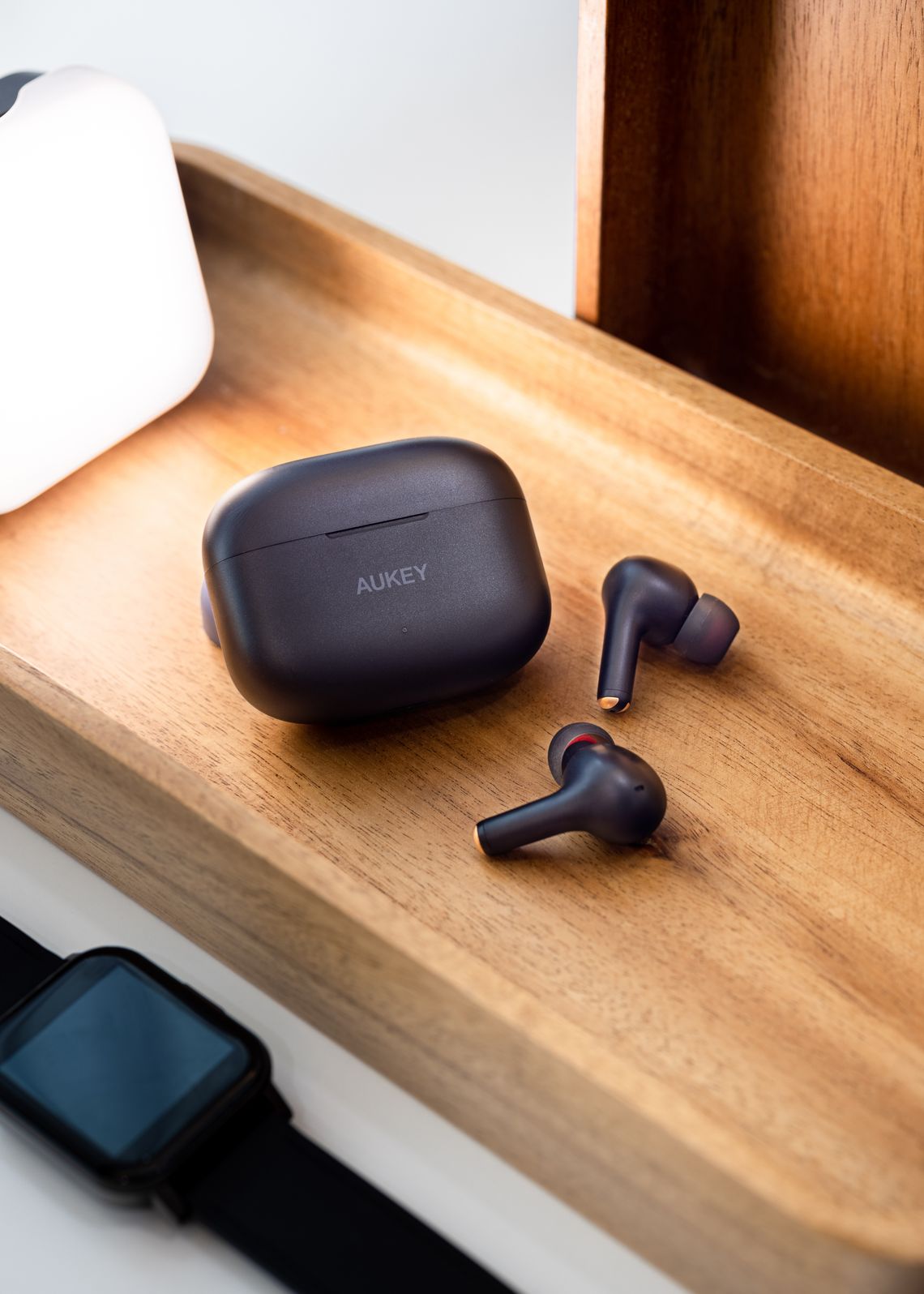
Each category has a different compatibility priority. Use the following guidance to identify the specifications that matter most for your intended setup.
Phone cases should be selected by exact model rather than general screen size. Camera modules, side buttons, speaker openings, and overall dimensions can change between generations.
A selfie stick must hold the phone securely and communicate with the camera application. Clamp dimensions and remote-shutter behavior are equally important.
Mount compatibility includes the phone, case, mounting surface, orientation, environment, and any charging components positioned behind the device.
Smartwatch compatibility is defined by phone software, companion application availability, permissions, pairing support, and the functions enabled in your region.
Wireless earbuds may pair with many devices while offering different controls, microphone performance, application features, and latency depending on the platform.
Select a wall charger by port, charging protocol, per-port output, total output, plug format, cable requirements, and the combined needs of every connected device.
Capacity describes stored energy, while charging experience also depends on usable output, voltage conversion, port allocation, cable quality, device efficiency, and active usage.
Mouse compatibility combines computer support, operating-system functions, available ports, wireless connection, software customization, hand size, and grip preference.
Keyboard compatibility includes operating-system mapping, connection method, language layout, shortcut labels, charging, software support, and the dimensions of your workspace.
Complete these steps before placing an order. A few minutes of verification can prevent incorrect fit, missing functions, charging limitations, and unnecessary returns.
Find the model name, model number, generation, release year, screen size, operating system, and current software version. Do not rely only on the product family name.
Use device settingsReview dimensions, weight, clamp range, port type, output, input, wireless standard, app requirement, and all compatibility notes on the product page.
Read every measurementInclude phone cases, screen protectors, magnetic plates, adapters, charging cables, hubs, receivers, desk surfaces, vehicle vents, and other items that affect fit or function.
Review the full setupDecide which functions are essential, such as fast charging, microphone calls, shortcut keys, multi-device switching, wireless charging, remote shutter, or companion-app controls.
Prioritize key functionsThese signals do not automatically mean a product is incompatible. They indicate that additional verification may be needed before the product becomes part of your setup.
Confirm the exact model number and physical dimensions. Products within the same family may use different camera modules, port positions, widths, or mounting requirements.
A physical connection does not guarantee fast charging, data transfer, video, audio controls, remote operation, or every advanced function.
Added thickness can affect mounts, selfie-stick clamps, wireless charging, magnetic alignment, button access, cable clearance, and camera positioning.
Confirm that the app is available for your platform and region, your operating system meets the requirement, and the required permissions are acceptable.
Multi-port chargers may divide available power. Review the output available from each port when one device or several devices are connected.
Terms such as universal or widely compatible should still be compared with the stated size range, supported platforms, connection standards, and function limitations.
Open a question below for additional guidance. All answers are collapsed by default to keep the page focused and easy to scan.
Send Techora your exact device model, operating-system version, required feature, and the product you are considering. Including measurements, installed accessories, and photographs of the relevant port or mounting area can help create a more precise compatibility review.
Contact Techora Support